TM PUK Code (How to Unlock Your TM SIM Card Easily)
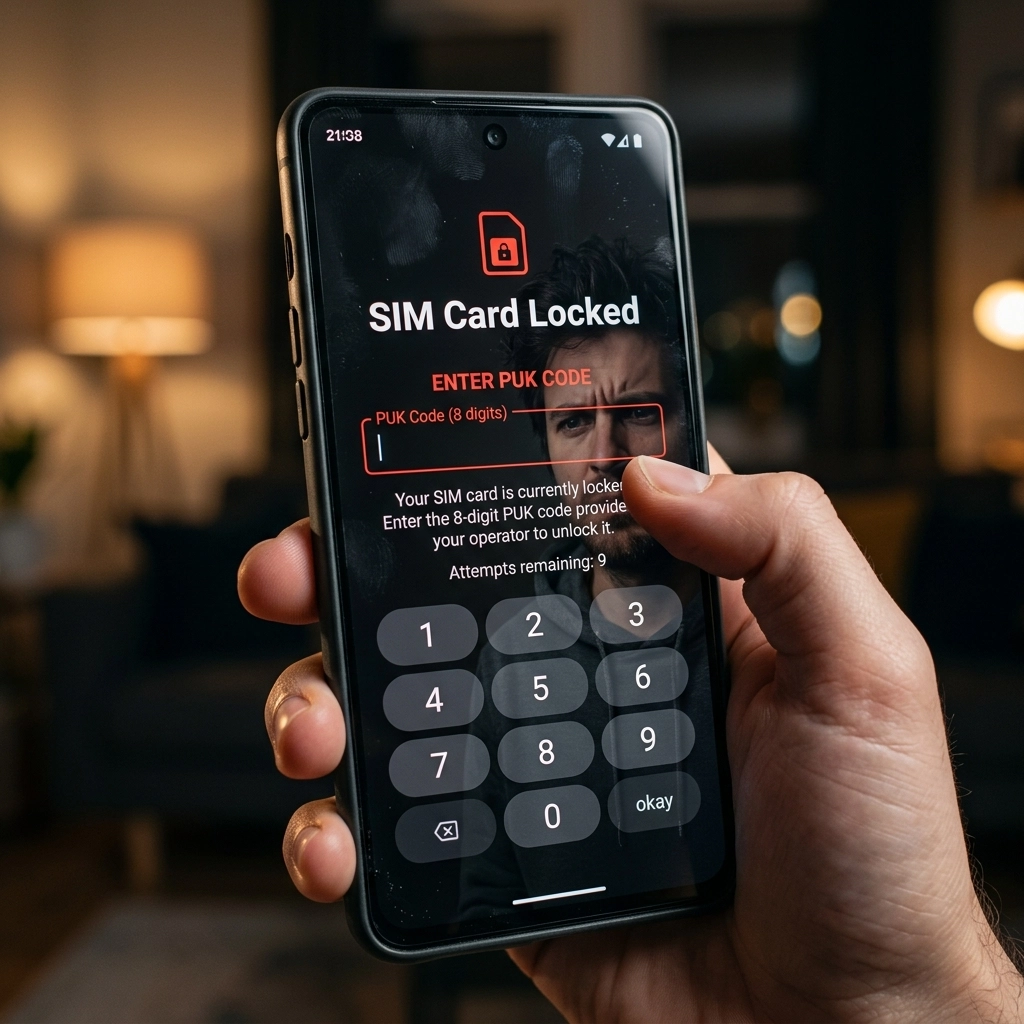
You grab your phone, ready to send a quick text or browse your feeds, but instead, you see a terrifying message on your screen. “SIM card locked. Enter PUK code.” Panic sets in. What does that even mean? Is your number gone forever?
Don’t freak out. I’ve totally been there. It is a super common mistake. Maybe your kid was playing with your phone, or maybe you accidentally forgot your PIN code and typed it wrong a few too many times. Now your TM SIM is completely locked down. It feels like a disaster, but fixing it is actually pretty straightforward if you know where to look.
The secret to getting your phone working again is finding your TM PUK code. But finding it can feel like a stressful scavenger hunt if nobody ever showed you how.
In this complete guide, I’m going to walk you through exactly what this code is, why your SIM got blocked in the first place, and exactly how to retrieve your TM PUK code step by step. No tech jargon. Just simple, easy steps to get your mobile life back on track today.
What Exactly Is a TM PUK Code?
Let’s clear up the confusion first. PUK stands for “Personal Unblocking Key.” It sounds like something out of a spy movie, right? But it’s really just an 8-digit security number that is permanently assigned to your specific SIM card.
Think of it like a master key. Your daily PIN code is the regular key you use to lock your SIM. But if someone messes with that lock and breaks it, the master key (your PUK code) is the only thing that can reset everything and let you back inside.
Every single TM SIM card in the Philippines comes with its own unique PUK code straight from the factory. You can’t choose it. You can’t change it. And most importantly, you cannot guess it.
Why Did Your TM SIM Card Get Locked?
So, how did you even get here? SIM cards don’t just lock themselves for no reason. Before attempting to unlock your SIM with a PUK code, ensure your details are updated on the TM SIM Registration portal to maintain active account status.
Your TM SIM card got blocked because the wrong PIN code was entered into your phone three times in a row. It is a security feature. If you lose your phone, you don’t want a random stranger taking out your SIM card and putting it into their phone to make calls or access your mobile wallet.
When your phone detects three failed PIN attempts, it assumes someone is trying to break in. It immediately shuts down the SIM card to protect your identity and your data. Once that happens, your regular PIN is completely useless. The only way forward is the 8-digit PUK code.
If you are currently setting up a new replacement card, follow the official steps to activate TM SIM properly.
Where to Find Your TM PUK Code
Okay, enough background. You need to unlock your phone right now. You have a few different options to find your code, ranging from super easy to a little bit tedious. Here are the best ways to get it done.
Checking the Original SIM Card Holder
This is the fastest and easiest method by a mile. Do you remember that little plastic card your TM SIM came attached to when you bought it? The one the size of a credit card?
If you still have that plastic card tucked away in a drawer somewhere, you are in luck. Go grab it right now.
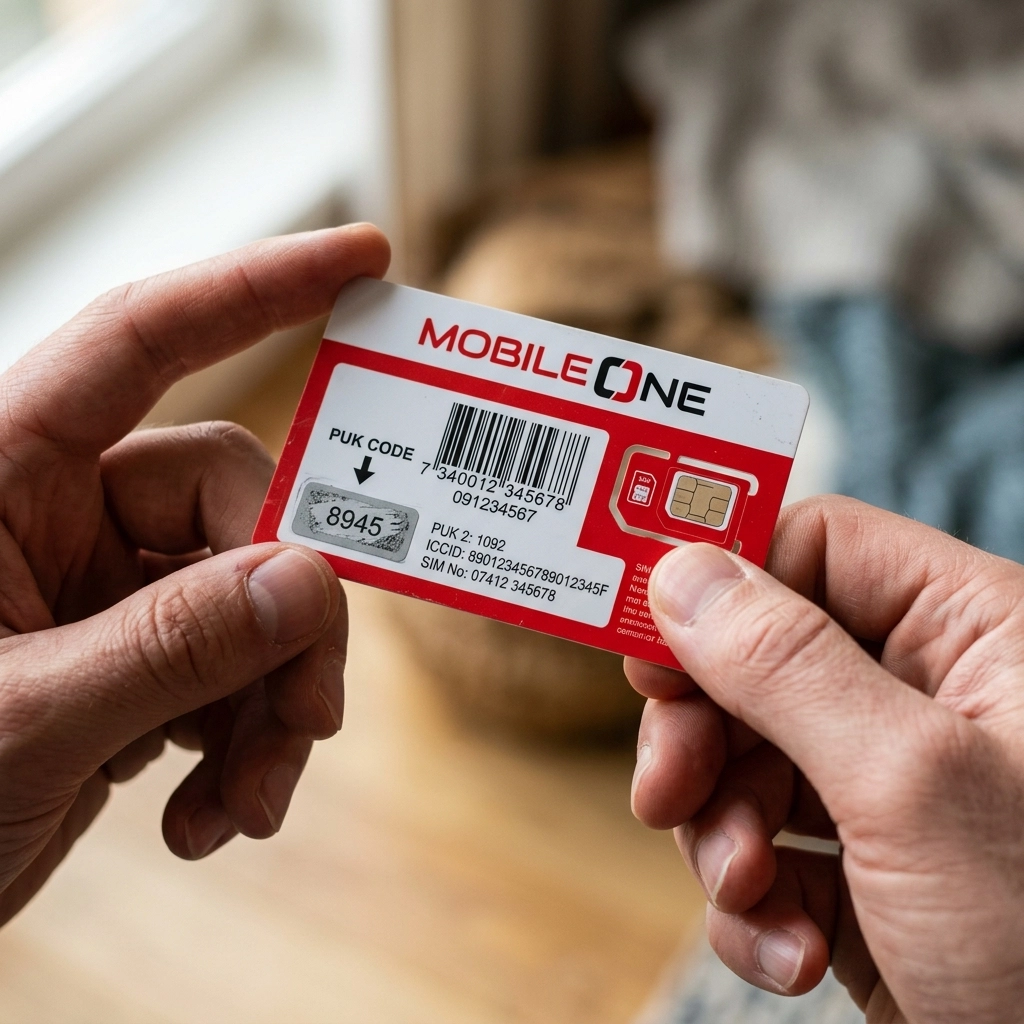
- Flip the plastic card over to the back.
- Look for a silver scratch-off area. It usually says “PUK CODE” right above or below it.
- Gently scratch off the silver stuff with a coin.
- You will see an 8-digit number. That is your master key!
Carefully type those 8 digits into your phone. Then, your phone will ask you to create a brand new PIN code. Make it something you won’t forget this time!
Using the GlobeOne App
But what if you threw that plastic card away two years ago? Yeah, most people do. Since TM is powered by Globe Telecom, you can actually use the official GlobeOne app to manage your account.
However, there’s a tiny catch. You need to have registered your TM number on the GlobeOne app before your phone got locked. If your SIM is currently blocked and you don’t have WiFi or another phone, downloading and registering on an app right now isn’t going to work.
But if you already use the app on another device (like an iPad or a backup phone):
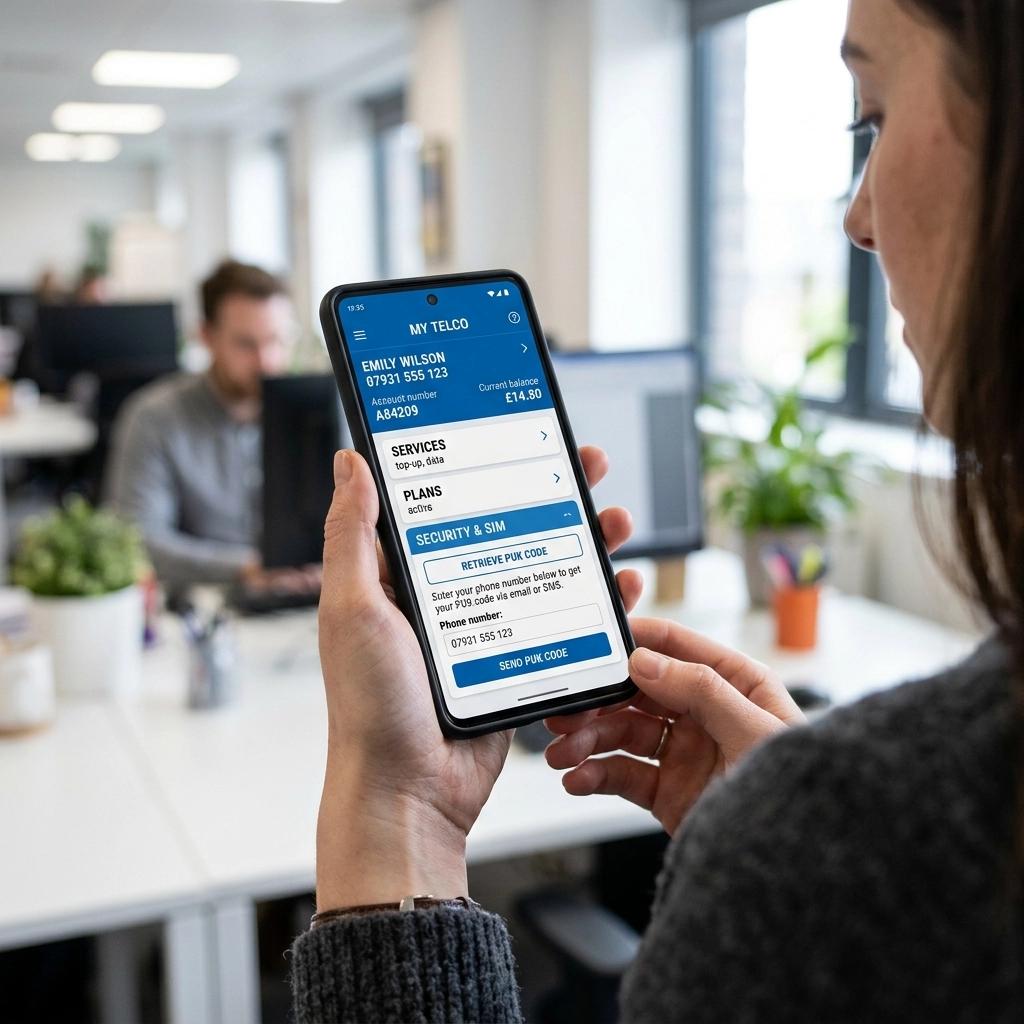
- Open the GlobeOne app.
- Go to your account dashboard for your TM number.
- Look under “Account Details” or “Settings.”
- Some versions of the app display the PUK code right there for security recovery.
If it’s not showing up in the app, don’t worry. We still have the most reliable backup plan.
Once you have regained access to your locked SIM, check your rewards dashboard to redeem points in TM for free data or text promos.
Calling Globe Customer Service
If the plastic card is lost in the trash and the app isn’t an option, you need to talk to a human. You will have to contact Globe/TM customer service to request your code.
Since your phone is locked, you obviously cannot call them from your own TM number. You will need to borrow a friend’s phone or use a landline.
Here is exactly what you need to do:
- Borrow a phone with a Globe or TM SIM and dial 211.
- If you are using a landline, you can dial (02) 7730-1000.
- Navigate the automated menu until you get the option to speak to a customer service representative about a blocked SIM.
When the agent answers, explain that your TM SIM is PUK locked. Because of the new SIM registration laws in the Philippines, the agent cannot just hand over the code to anyone who calls. They have to prove you are the real owner.
Be ready to answer a few security questions. They will likely ask for:
- Your full name and birthday (exactly as you registered the SIM).
- Your complete address.
- The exact mobile number that is locked.
- When you last loaded the phone or your current promo.
Once you pass the security check, the agent will happily read your 8-digit PUK code to you over the phone. Write it down on a piece of paper immediately! Do not try to memorize it.

If your SIM remains unresponsive even after a successful PUK unlock, troubleshoot your connection using the TM SIM no signal repair guide.
Visiting a Globe Store (The Final Option)
Sometimes, calling just doesn’t work out. Maybe the lines are too busy, or maybe you can’t remember the exact details you used during your SIM registration.
If you are totally stuck, your final option is to physically visit a Globe Store at your nearest mall. Because TM operates under the Globe network, the staff at the Globe store handles all TM concerns.
Make sure you bring the physical locked SIM card with you. You also absolutely must bring a valid government-issued ID (like your passport, driver’s license, or national ID).
Walk up to the customer service desk and tell them you need to retrieve your TM PUK code. They will verify your ID against the SIM registration database. Once they confirm it’s really you, they will look up the code in their system and unlock the phone for you right there at the counter.
Always keep an eye on your account status after performing security resets by using the methods to how to check balance in TM.
To restore mobile data functionality after unlocking your device, verify your access point name for TM settings are configured correctly.
Conclusion
Getting hit with a PUK-locked screen is super annoying. It stops your whole day in its tracks. But as you can see, it is not the end of the world.
The easiest fix is always checking the original plastic SIM bed. If you don’t have that, a quick call to the 211 hotline will get you sorted out, as long as you can answer a few basic security questions to prove your identity.
Just remember the golden rule: Never try to guess your PUK code. Enter it carefully once you have it, set a new PIN that you will actually remember, and you will be back to texting and browsing in no time.
After verifying your PUK and securing your card, learn how to pasaload TM to share your remaining balance with other network users.
Frequently Asked Questions
What is the default TM PUK code?
There is absolutely no default PUK code. Every single TM SIM card is manufactured with a unique, randomized 8-digit code. Things like “12345678” or “00000000” will not work.
Can I unlock my TM SIM online?
Currently, TM does not have a simple website where you can just type in your number and get a PUK code. That would be a massive security risk! You either need the original plastic card, the GlobeOne app (if previously linked), or you need to contact customer support directly.
What happens if I enter the wrong PUK code 10 times?
This is the absolute worst-case scenario. If you guess your PUK code and get it wrong 10 times in a row, your TM SIM card will be permanently “fried.” It becomes completely useless. You will lose access to the network, and you will have to go to a Globe Store to request a physical SIM replacement to keep your number.
How much does it cost to get a PUK code?
Retrieving your TM PUK code is 100% free. Whether you call the 211 hotline or visit a Globe Store, they will never charge you money to give you your unblocking key.
Do PUK generators online actually work?
No! Please stay away from any website or app claiming to be a “TM PUK Code Generator.” These are scams. They cannot magically guess your code. They are usually just trying to steal your personal information or get you to download malware. The only real codes come from Globe/TM.
How do I contact TM customer service?
You can reach TM customer service by dialing 211 from any active Globe or TM mobile phone. You can also message their official verified pages on Facebook or X (formerly Twitter) for chat support, though calling is usually faster for urgent issues like a locked SIM.