How to Redeem Points in TM (Step-by-Step Guide)
When you have expired your promo and you are also out of balance to re-activate your promo right away but you need to make an urgent call to someone. In this situation TM provides an extra favour for you. You can claim rewards for free calls, texts and data. Here you will have a question, how you will get it to make your urgent calls.
So, this guide instructs you how to redeem points in TM and what are actually these points. Continue your reading and know about the redeem program though you can earn these points and use them whenever you need. Here we will give you a step-by-step process to get redeem points.
Before telling you about redeem steps, we have to tell you that you will only claim your rewards if you have registered your TM SIM. If you have not done it yet then follow our guides for the TM SIM Registration process.
Join the TM Rewards Program
People love the TM network because it provides the benefits of their users in the form of rewards. When users buy promos or load for their TM SIMs they get the points and then using these points they get the free calls, texts and even free data.
TM launched a Reward program and you can redeem points, if you have enrolled in this program. First of all you have to join the program via GlobeOne app. Joining is totally free for TM users so don’t be worried about extra cost. Follow the instructions below:
- Open the GlobeOne app
- From the dashboard, click on the “join Globe rewards to earn points”.
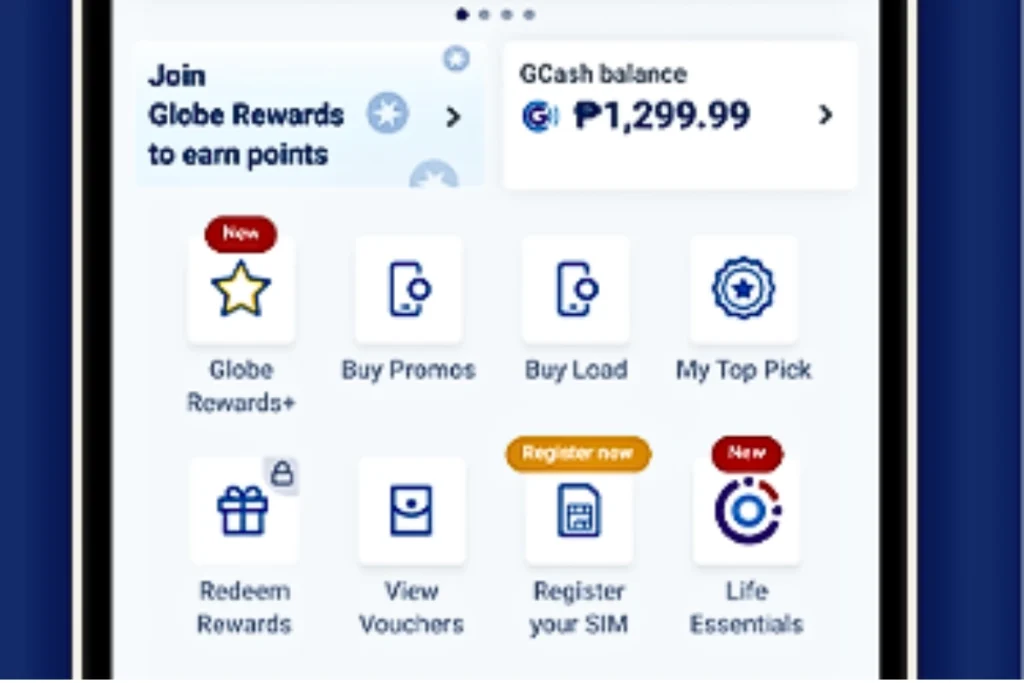
- Tap Join Now

- Pick your TM number and tap Enroll Now
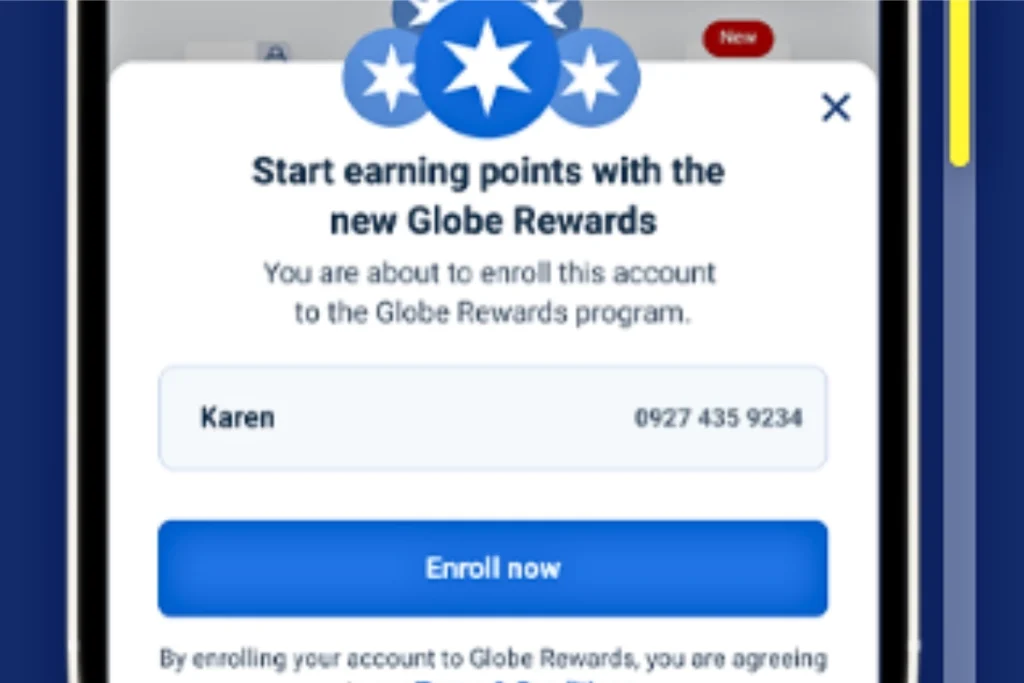
Note: Once you are enrolled in the program, you begin earning points every time you reload or buy promos.
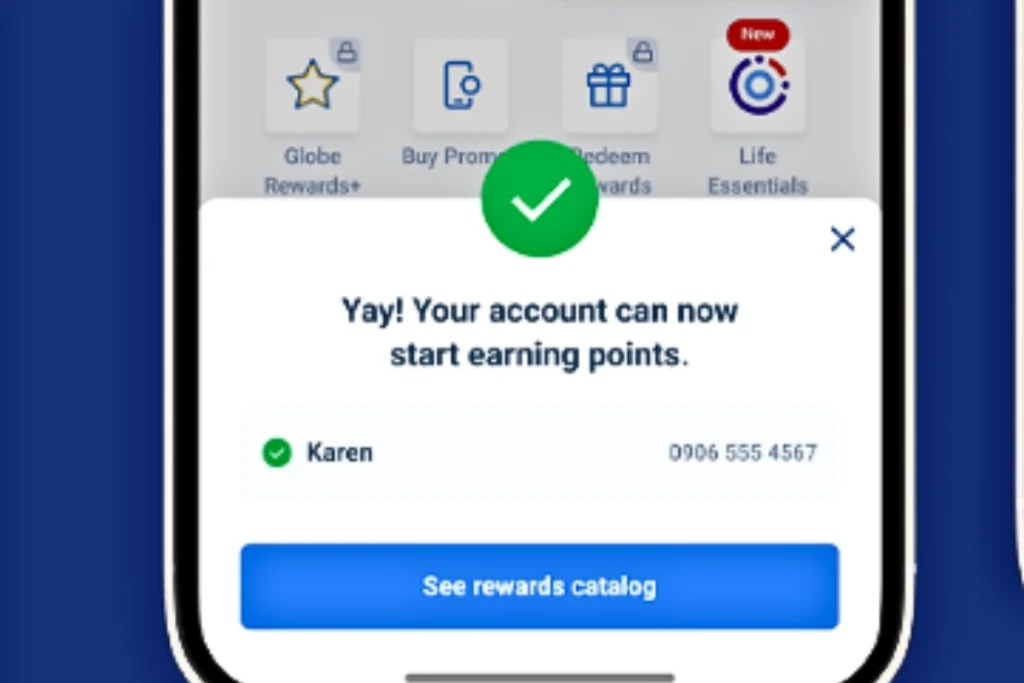
You can use your rewards to register for the AN20 TM promo or other popular packages.
Check Your Reward Points
When you have enrolled in the reward program you can check your earned points. It helps you when you are buying any promo. Here is the descriptions of your rewards and points that required to get reward:
List of reward:
Reward | What You Get | Validity | Points Needed* |
Free TM Calls | 5 minutes calls to TM | 1 day | 1 point |
Call + Text Combo | 2 minutes calls + 10 texts | 1 day | 1 point |
Facebook Access | Unlimited Facebook | 1 day | 1 point |
Twitter Access | Unlimited Twitter | 1 day | 1 point |
Calls + Texts | 5 minutes calls + 25 texts | 1 day | 2 points |
Mobile Data | 40 MB data | 1 day | 2 points |
Calls to All Networks | 10 minutes calls | 1 day | 3 points |
Instagram Access | Unlimited Instagram | 1 day | 3 points |
Call + Text Combo | 20 minutes calls + 20 texts | 1 day | 4 points |
Mobile Data | 100 MB data | 1 day | 5 points |
Unlimited Calls & Texts | Calls & texts to TM/Globe | 1 day | 7 points |
Combo Reward | 100 MB + unlimited calls | 1 day | 7 points |
Combo Reward | 100 MB + unlimited texts | 1 day | 7 points |
Mobile Data | 200 MB data | 1 day | 10 points |
Mobile Data | 1 GB data | 1 day | 15 points |
Weekly Social Access | Instagram / Twitter / Messenger | 7 days | 15 points |
Gaming Data | Pokémon Go data | 30 days | 20 points |
This is a great alternative to the how to pasaload TM feature if you want to save your regular load.
Check via GlobeOne app:
Before redeem first check how many points you have to get a specific reward for free calls, texts and data. For this purpose follow the instructions:
- Open your GlobeOne app
- And click on the “reward” option.
- Your reward will be listed on your screen. From there you can redeem it.
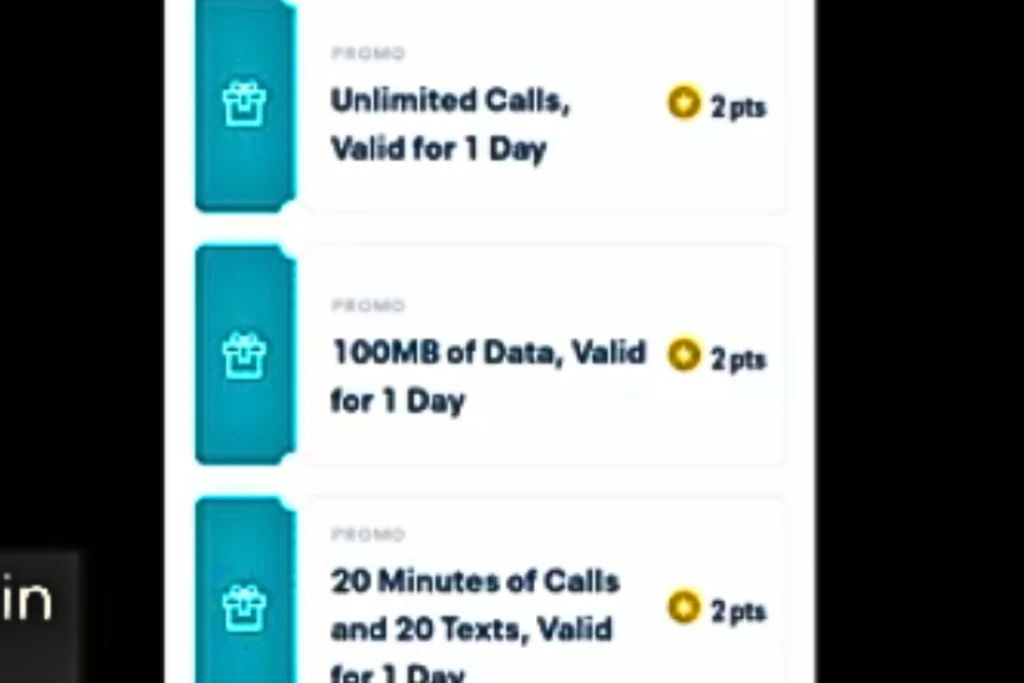
How to Redeem TM Points Through the GlobeOne App
If you have joined the reward program then you can easily redeem points. For redemption you can use GlobeOne app. You have step-by-step guide here:
Steps:
- Open the GlobeOne app.
- You will see a dashboard with lots of options.
- You just click on the “Redeem Rewards”.
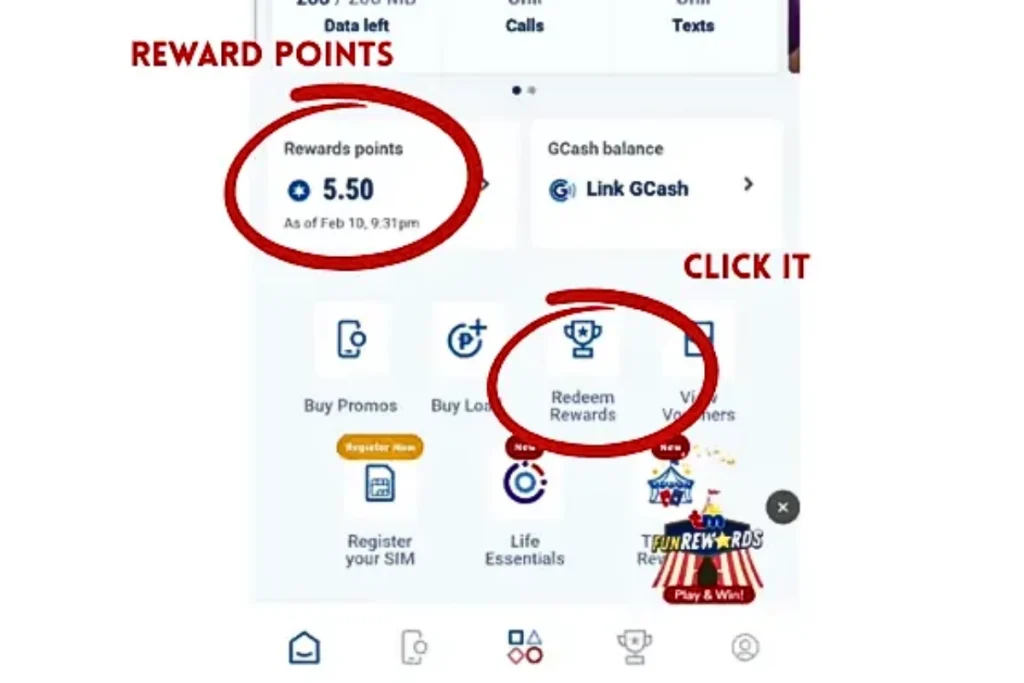
- Now click on the “promo” and scroll down to browse your “Rewards Catalog”
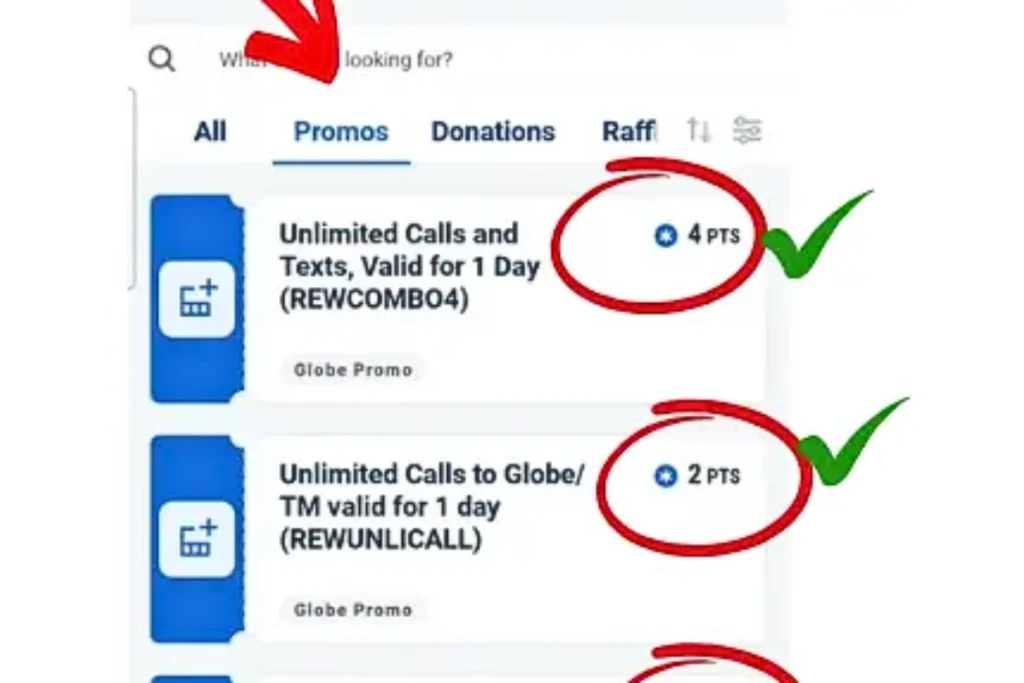
- From the list select the reward which one you want and then tap on “Redeem.
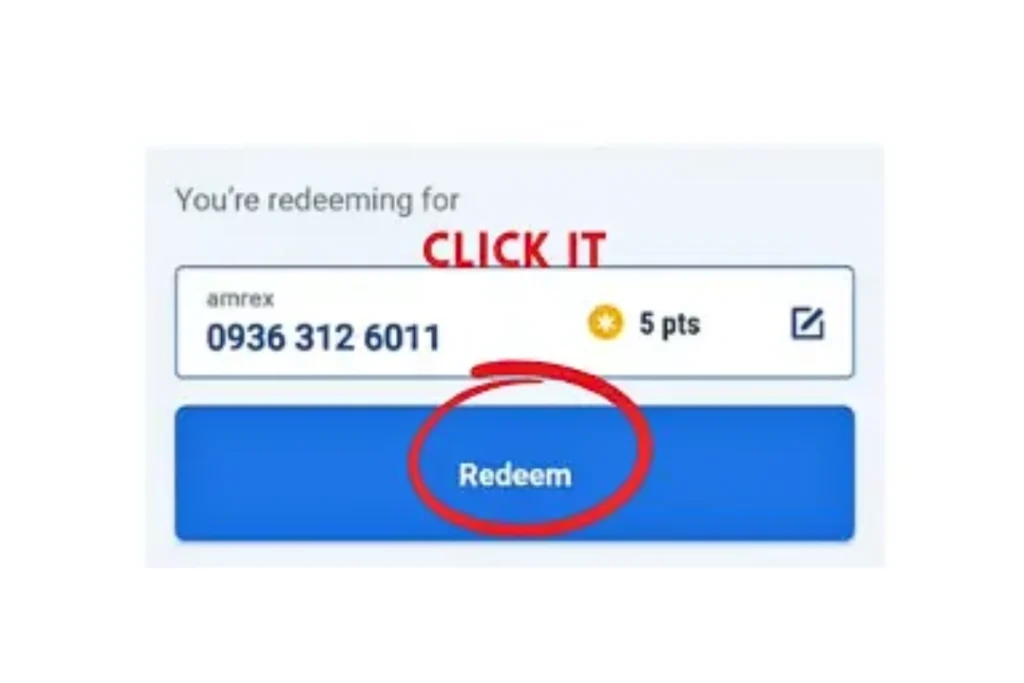
- Now you have successfully redeem your points and get rewards including free internet data, calls, texts, and even partner discount vouchers.
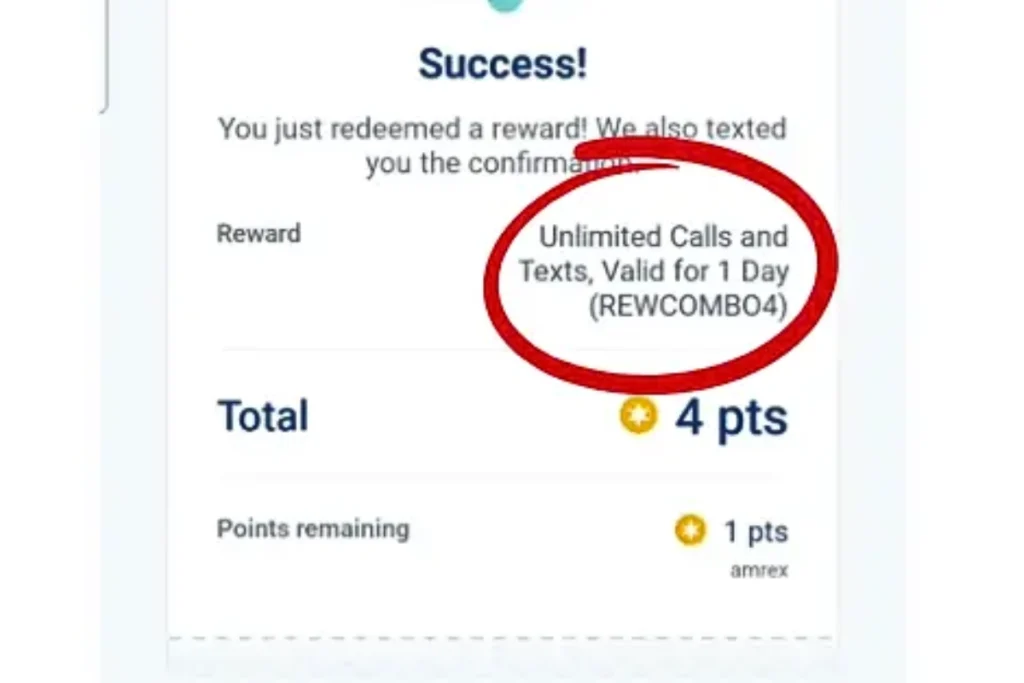
Always verify your current reward points by learning how to check balance in TM.
Redeem Points Using *143#
If you do not have access to the internet and can’t use the app, then you can redeem points through the TM/Globe USSD menu. Here is your guide:
Steps:
- From your smartphone, dial *143#.
- The TM USSD menu will be appear on your screen, from the menu select Rewards
- Now choose “Redeem Rewards”.
- And pick the reward you want.
- Now confirm the redemption and wait for confirmation SMS by 4438.
Redeem Points in TM via Text
TM network is under the Globe company and it officially deals with the TM numbers. So, the Globe system doesn’t support any redeem system via SMS. If you find any process of redeem points in tm via SMS, then use it carefully because there is no official way of redemption by text message.
How to Share Redeem Points in TM
Right now in 2026, you can’t share your TM reward points with other TM numbers. Every TM SIM has its own rewards, and sharing is not allowed here.
Some important things to remember:
- Reward points are connected to one SIM only
- You cannot send or transfer points to another number
- Each TM user must use their own points to redeem rewards
How to Stop Redeem Points in TM
TM reward points are given automatically when you load or use TM promos. There is no way through which you can turn them off. If you do not want to use the points, you don’t need to join the reward program and by chance if you have joined then you leave it, your points will expire automatically. You can also load less if you do not want to earn more points. So you can easily manage reward points without doing anything extra.
How to Extend Redeem Points in TM
Situation | What You Can Do | Where to Check | Important Notes |
Points are close to expiring | Redeem points before the expiry date | GlobeOne app / *143# | Points cannot be extended once expired |
Reward has short validity (1–3 days) | Use the reward immediately | GlobeOne app | Validity starts after redemption |
Want to add more days to a reward | Check if an Extend / Add Validity option is available | GlobeOne app | Not all rewards support extension |
Not ready to use a reward | Wait and redeem later | GlobeOne app | Avoid redeeming too early |
Unsure about expiry date | Review reward details | GlobeOne app | Always read validity info |
Avoid losing points | Redeem small rewards regularly | GlobeOne app / *143# | Helps prevent point expiration |
Tips for Easy Reward Redemption
- If you want to see the newest rewards regularly then keep your GlobeOne app updated.
- When you are redeeming, you must check your points balance whether you have enough points or not.
- There are a few rewards that change or expire each year, so try to use your points before they expire.
- You should use official TM or Globe apps like GlobeOne and TM codes.
Conclusion
TM reward points are the best way to enjoy extra benefits from your TM SIM. You can use these points for free data, texts, calls, and partner rewards as well. If you think that you can earn money by selling these points so it cannot be turned into cash or GCash, it’s best to redeem them on time because they expire after some time, almost a year. If you want to check your points before claiming a reward, you can easily check them through the GlobeOne app or *143# and you can also use them via these methods.
Frequently Asked Questions (FAQs)
What can TM points be used for?
You can use your redeem points for free mobile data, call minutes, text messages, combo rewards, or even for partner deals.
Are TM points worth it?
Yes! TM points are useful if you redeem them for daily needs like free data, texts, or calls instead of letting them expire.
How do I redeem my TM points?
You can use your redeem points in TM to buy any promo through the GlobeOne app and USSD code *143#. Check the TM promo here and select according to the points you have.
Can I convert points to GCash?
No! TM points cannot be turned into GCash. They are only for TM or Globe rewards and partner promos.
Can we redeem reward points to cash?
No! TM points cannot be turned into cash. You can use them just for TM rewards and partner promos.
How to claim a redeem code?
If your reward has a redeem code, check the GlobeOne app or your SMS. Follow the on screen instructions and use the code.
What is a Redeem Code?
A redeem code is a mixture of alphabet and number which makes a special code for specific TM rewards. You can use it to claim a reward.
Why do people buy points?
People buy points because they can minimize their promo prices and get free data, free calls and text.